 By llew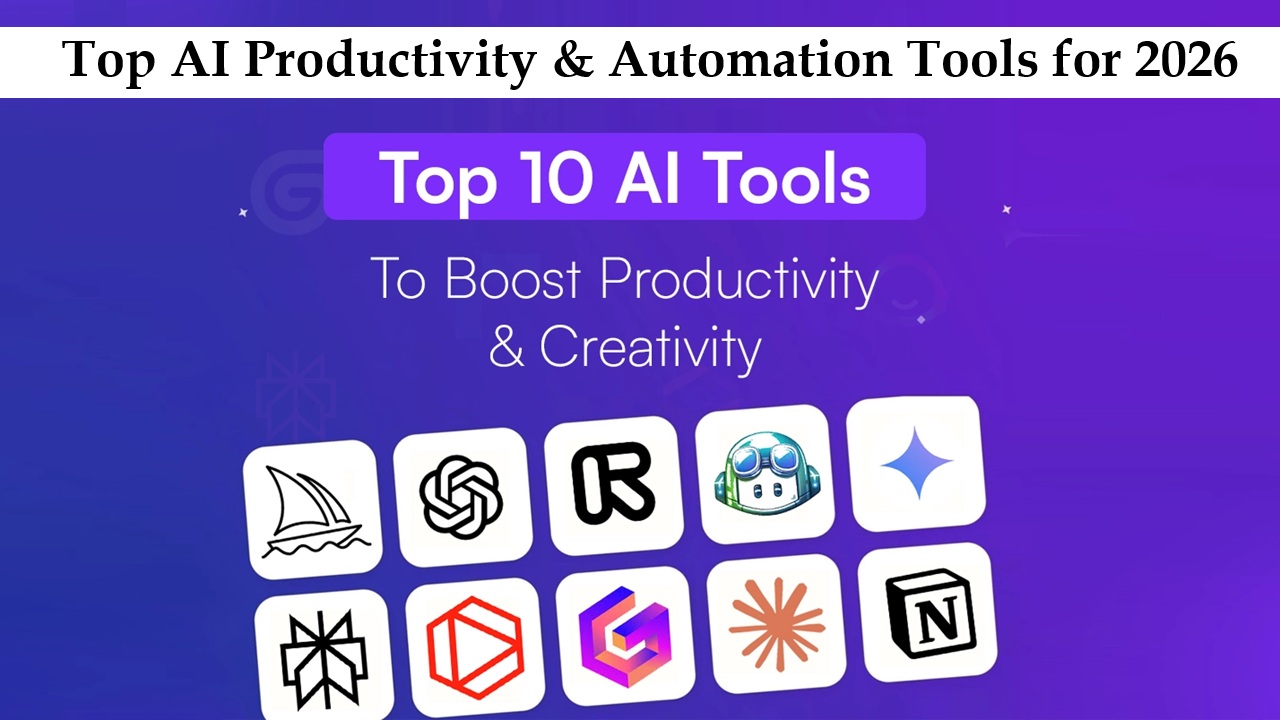
Artificial intelligence isn’t just a buzzword anymore—it’s actively reshaping the way we work. From freelancers to global corporations, AI is making productivity smarter, faster, and more seamless. Tasks that used to take hours, like managing emails or scheduling meetings, can now be handled almost automatically. Beyond saving time, AI and automation let individuals and teams focus on meaningful work, sparking creativity and better decision-making. This guide dives into the best AI productivity and automation tools available today, showing how they can reduce errors, streamline workflows, and boost efficiency. Whether you want to optimize your daily routine or scale your business operations, there’s an AI solution to meet every productivity need.
What Are AI Productivity & Automation Tools?
AI productivity tools are designed to make your workday smoother by handling tasks that usually require human effort. They can suggest actions, automate processes, or even execute tasks for you. For instance, AI writing assistants can generate content ideas, draft emails, or even produce full articles in minutes. Automation tools go a step further by streamlining repetitive workflows, connecting different apps, and executing processes automatically.
The distinction lies in control: AI-assisted tools guide you, providing recommendations and helping you make decisions, while automated tools handle tasks independently once set up. Typical applications include email management, meeting scheduling, data analysis, content creation, and customer service. Imagine never worrying about missed deadlines or repetitive manual work—these tools act like digital teammates, taking care of the heavy lifting so you can focus on strategic, creative, and analytical tasks. Essentially, AI productivity and automation tools are here to amplify your output while reducing the risk of human error.
Benefits of Using AI for Productivity
AI is not just about technology—it’s about changing the way we work. One of its biggest advantages is saving time. Tasks like sorting emails, generating reports, or scheduling meetings that once took hours can now be completed in seconds, giving you more time for high-value work. AI also minimizes human error, ensuring data analysis, reporting, and decision-making are more accurate.
Another benefit is cost-efficiency. Automating repetitive work allows businesses to scale without increasing resources proportionally. AI can also enhance decision-making by analyzing large datasets and providing actionable insights, helping teams make smarter choices faster. For example, it can identify sales trends, suggest content strategies, or forecast project timelines with precision.
AI tools also boost creativity. By offloading mundane tasks, professionals can dedicate energy to innovation, strategy, and relationship-building. In today’s fast-paced world, AI productivity and automation tools are more than convenience—they’re essential for staying competitive, reducing stress, and maintaining a high-performing, sustainable workflow.
Top AI Productivity Tools for Professionals
AI tools come in different shapes, depending on the tasks they support. Here’s a breakdown for professionals:
AI Writing & Content Generation
ChatGPT: Drafts articles, emails, and content ideas.
Jasper: Ideal for marketing copy and ad content.
Features: Natural language generation, tone adjustments, multi-language support.
Task Automation
Zapier: Connects apps and automates repetitive workflows.
Make: Visual workflow automation for complex processes.
Features: Multi-app integration, triggers & actions, ready-made workflow templates.
Scheduling & Meetings
Clockwise: Optimizes calendars and meeting schedules.
x.ai: AI-powered meeting coordination.
Features: Time zone adjustments, automatic rescheduling, conflict resolution.
AI Assistants
Otter.ai: Real-time transcription and note-taking.
Notion AI: Smart summaries, task suggestions, and content assistance.
Features: Voice-to-text, contextual recommendations, collaboration tools.
Pricing ranges from free plans with basic features to $10–$50/month subscriptions for individuals, with premium enterprise options for large teams. By combining these tools, professionals can manage content, scheduling, and routine tasks seamlessly, improving productivity without feeling overwhelmed.
Top AI Automation Tools for Businesses
AI automation can transform entire business operations, not just individual workflows.
Process Automation & RPA (Robotic Process Automation)
UiPath, Automation Anywhere: Automate repetitive tasks such as data entry, invoice processing, and inventory management.
Benefits: Save time, reduce errors, and scale processes without extra staff.
Customer Service Automation
AI chatbots and automated email responders provide 24/7 support.
Benefits: Improve customer experience, lower support costs, and deliver consistent responses.
Marketing Automation
HubSpot AI, Marketo: Automate email campaigns, lead scoring, and social media posts.
Benefits: Personalize interactions, boost ROI, and generate detailed analytics.
Integration is crucial. These tools sync with existing software to ensure smooth workflows and real-time data sharing. They also allow businesses to scale efficiently—automated customer support can handle thousands of inquiries simultaneously, while process automation frees teams to innovate. The ROI is clear: time saved, costs reduced, and productivity amplified. For growing businesses, AI automation isn’t just technology—it’s a strategic advantage.
How AI Tools Improve Workflow Efficiency
AI tools simplify complex, time-consuming workflows. A content team, for example, can use AI writing assistants to draft posts while scheduling tools automatically organize deadlines and meetings. Sales teams benefit from AI-driven lead scoring, automated follow-ups, and actionable analytics to make sure no opportunity is missed.
Project management becomes smoother with AI tracking progress, predicting delays, and recommending resource adjustments. Organizations using AI-driven workflows report up to a 40% boost in efficiency, thanks to fewer errors, better resource allocation, and significant time savings.
Even personal workflows improve. AI can sort emails automatically, remind you of priorities, or suggest the most efficient daily schedule. The result is smarter, data-driven decision-making, allowing both individuals and teams to focus on tasks that truly need human judgment, creativity, and strategic thinking.
Challenges & Limitations of AI Productivity Tools
While AI tools are powerful, they aren’t flawless. Many require time to learn and integrate, slowing initial adoption. Over-reliance on AI can also limit creativity if users blindly follow suggestions.
Data privacy is another concern—AI tools handle sensitive information, and misconfigurations can create risks. Integration issues may occur if tools don’t connect seamlessly with existing systems.
The solution is balance: use AI to handle repetitive tasks and enhance productivity, but maintain human oversight for decision-making, creativity, and problem-solving. When managed correctly, AI becomes a reliable partner, not a replacement, in optimizing workflows.
Future Trends in AI Productivity & Automation
The future of AI in productivity is heading toward smarter, more integrated, and intuitive systems. Predictive AI tools are becoming standard, helping businesses anticipate customer needs, forecast trends, and plan workflows proactively. Generative AI is expanding beyond content creation to automating tasks like generating reports, designing marketing materials, and drafting code.
Multi-platform AI ecosystems are emerging, connecting tools across software and devices to create seamless workflows. This reduces redundancies and accelerates decision-making. AI-driven decision intelligence is also gaining ground, analyzing complex datasets to suggest optimal courses of action while freeing humans to focus on creativity and strategy.
These trends point to a future where AI doesn’t just save time—it enables smarter, more adaptive work environments. By combining human judgment with AI efficiency, businesses and professionals can achieve higher productivity, better decision-making, and innovation at a scale previously unattainable.
How to Choose the Right AI Tool for You
Selecting the right AI instantaitools.com requires careful consideration. Start with your budget and ensure the tool delivers the features you need without unnecessary costs. Core functionalities—automation, content generation, or scheduling—must align with your workflow. Integration is key: tools that work in isolation can add complexity instead of saving time.
Ease of use matters. A tool that’s too complex can slow adoption and frustrate your team.
Here’s a simple checklist:
Purpose: Does it solve a real problem?
Features: Are they practical and relevant?
Integration: Can it connect with your current apps?
Usability: Is it easy to use?
Cost: Is it sustainable long-term?
Choosing wisely ensures AI boosts productivity rather than creating extra work.
Conclusion & Call to Action
AI productivity and automation tools are transforming how we work, making tasks faster, more accurate, and more efficient. By adopting these technologies, professionals and businesses can focus on creativity, strategy, and growth while leaving repetitive work to AI. Explore the available tools today to unlock higher productivity, streamline workflows, and create more time for the tasks that truly matter.
FAQ
What is the best AI tool for productivity in 2026?
It depends on your needs. ChatGPT or Jasper are excellent for writing and content creation. Zapier or Make are great for task automation. Multi-purpose platforms like Notion AI combine organization, AI assistance, and automation.
Can AI replace human productivity completely?
No. AI enhances work but cannot replace human creativity, intuition, or strategic thinking. Oversight is essential for quality and ethical decision-making.
Are AI automation tools safe for business data?
Most reputable AI tools follow strong security protocols. Always review data policies, use secure integrations, and monitor access to sensitive information.
How quickly can I see results using AI productivity tools?
Results vary, but many users notice efficiency gains and time savings within weeks of consistent use.