 By llew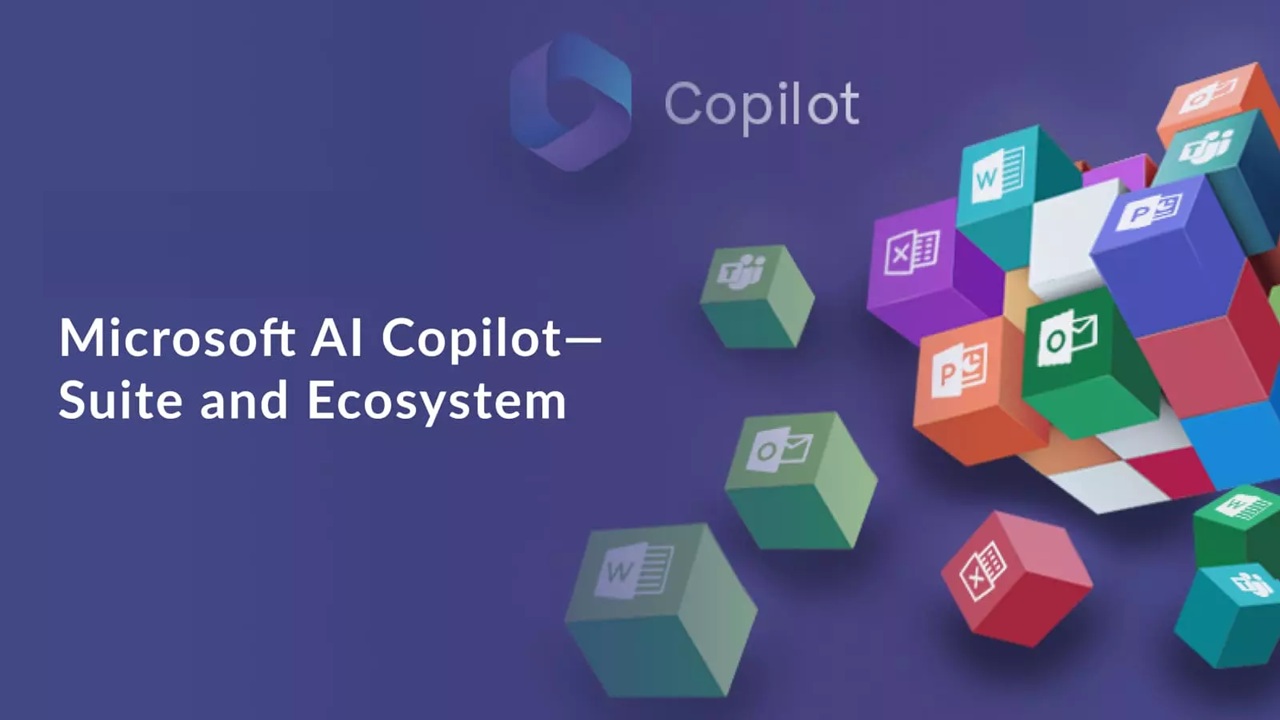
Microsoft’s vision for AI is clear: make intelligence a seamless part of everyday computing. At the heart of this strategy is Microsoft Copilot, an AI assistant designed to enhance productivity, creativity, and efficiency across devices. From Windows 11 to Microsoft 365, Edge, and even Xbox, Copilot is no longer just a coding helper—it’s becoming a central hub for AI-powered experiences. By embedding AI directly into operating systems, office applications, web browsers, and gaming platforms, Microsoft aims to transform how people interact with software. The Copilot ecosystem represents a future where AI is not a separate tool but an integrated companion, helping users work smarter, explore faster, and play more intuitively.
What Is Microsoft Copilot

Microsoft Copilot is an AI assistant that brings large language model intelligence directly into everyday software. Its roots began with GitHub Copilot, helping developers write code efficiently. Today, Copilot has grown into a full ecosystem AI assistant, embedded in Microsoft’s software landscape. Powered by Azure AI and advanced large language models, it understands context, generates content, and performs tasks across multiple applications. The core idea is simple yet transformative: AI integrated seamlessly into daily workflows, from writing documents and analyzing data to browsing the web or managing system settings. Copilot acts as a personal co-worker, reducing repetitive tasks and enabling more creative and strategic work.
Copilot in Windows: AI Built Into the Operating System
Windows 11 now includes Windows Copilot, an AI assistant built directly into the operating system. Users can leverage Copilot for system controls, task automation, and file management, making workflows faster and more efficient. Features like AI-powered search, document summarization, and productivity tips allow users to complete tasks without leaving the desktop. Copilot integrates seamlessly with apps and system settings, offering suggestions and automating repetitive operations. By embedding intelligence into Windows, Microsoft turns the OS into a dynamic workspace, where users can interact naturally with their computer. Tasks that once required multiple clicks or software tools can now be handled with AI assistance, streamlining daily digital work.
Copilot in Microsoft 365 and Office Apps
Copilot is transforming Microsoft 365 into an AI-driven productivity suite. In Word, it can draft documents, summarize content, and even suggest improvements in tone or clarity. Excel users can automate calculations, analyze trends, and generate insights faster than ever. PowerPoint leverages Copilot to automatically design slides based on content, while Outlook uses it to summarize email threads and draft professional responses. Beyond individual applications, Copilot fosters collaboration, allowing teams to work efficiently and reduce repetitive administrative work. By combining contextual understanding with automation, Copilot empowers professionals to focus on creativity, decision-making, and strategic tasks, making the workplace smarter and more responsive.
Copilot in Microsoft Edge and Web Browsing
Microsoft Edge now features an AI-powered Copilot sidebar, transforming browsing into a more intelligent experience. Users can summarize web pages, perform research efficiently, and generate content directly from the browser. Students can study faster, professionals can conduct research more effectively, and anyone browsing the web gains an assistant that understands context. Copilot helps users stay productive without switching apps, making web browsing smoother and more insightful. Its integration brings a new level of convenience to everyday online tasks.
Copilot in Xbox and the Future of AI Gaming
Copilot is also making inroads into gaming, enhancing the Xbox experience. AI assistants can help with game setup, tips, and in-game guidance, making gaming more intuitive for beginners and advanced players alike. Future possibilities include AI-driven NPC behavior, dynamic game environments, and development tools that assist creators in building richer experiences. By combining cloud gaming and AI, Microsoft could offer personalized gameplay and smarter assistance, pushing the boundaries of interactive entertainment. Copilot has the potential to redefine not only productivity but also digital leisure and creativity.
The Role of Azure AI in Powering the Copilot Ecosystem
At the core of Copilot’s capabilities is Azure AI, Microsoft’s cloud infrastructure that enables real-time intelligence. Azure connects AI models across applications and platforms, ensuring that Copilot can provide context-aware assistance, content generation, and task automation instantly. The cloud backbone allows Copilot to scale, update, and integrate seamlessly across Windows, Office, Edge, and Xbox. Without Azure, the Copilot ecosystem would not be able to deliver consistent, intelligent experiences across devices and software.
Benefits of the Microsoft Copilot Ecosystem
The Copilot ecosystem provides a unified AI experience across platforms, reducing friction and simplifying digital tasks. Users gain enhanced productivity, smarter workflows, and increased creativity, all while enjoying AI-driven automation. By consolidating tools and intelligence into one ecosystem, Microsoft reduces the learning curve and allows users to focus on what truly matters. Copilot’s assistance spans work, research, and entertainment, creating a cohesive digital experience that adapts to personal and professional needs.
Challenges and Concerns Around AI Integration
While Copilot offers immense benefits, it raises privacy and security concerns. AI accuracy, potential bias, and reliance on automated decision-making remain challenges. Professionals may risk overdependence on AI, and Microsoft bears the responsibility for ethical AI deployment. Ensuring data protection, transparency, and user control is essential to maintain trust while integrating AI deeply into software environments.
The Future of Copilot and AI-Powered Software
Looking ahead, Copilot is expected to deepen its integration across Microsoft services, making AI a central interface for operating systems and applications. Future iterations may anticipate user needs, streamline workflows even further, and redefine digital collaboration. Copilot’s evolution indicates a shift where AI is not just a tool but an interactive partner, shaping how we work, learn, and play in the coming years. Microsoft’s vision positions AI as a permanent, transformative presence in everyday computing.
Conclusion
Microsoft Copilot represents a bold step toward a future where AI is embedded in every layer of digital life. From Windows and Office apps to Edge and Xbox, the ecosystem streamlines work, enhances creativity, and elevates user experiences. By combining cloud intelligence with practical applications, Copilot is redefining what it means to interact with software. In this AI-driven era, digital assistants are no longer optional—they are shaping the very way we compute.